Multi-file Editing
microNeo can edit multiple files at once.
Opening files in a new tab
While editing file A, press Ctrl-t to open a new tab. Then use the File Manager in the new tab to pick the file you want to open.
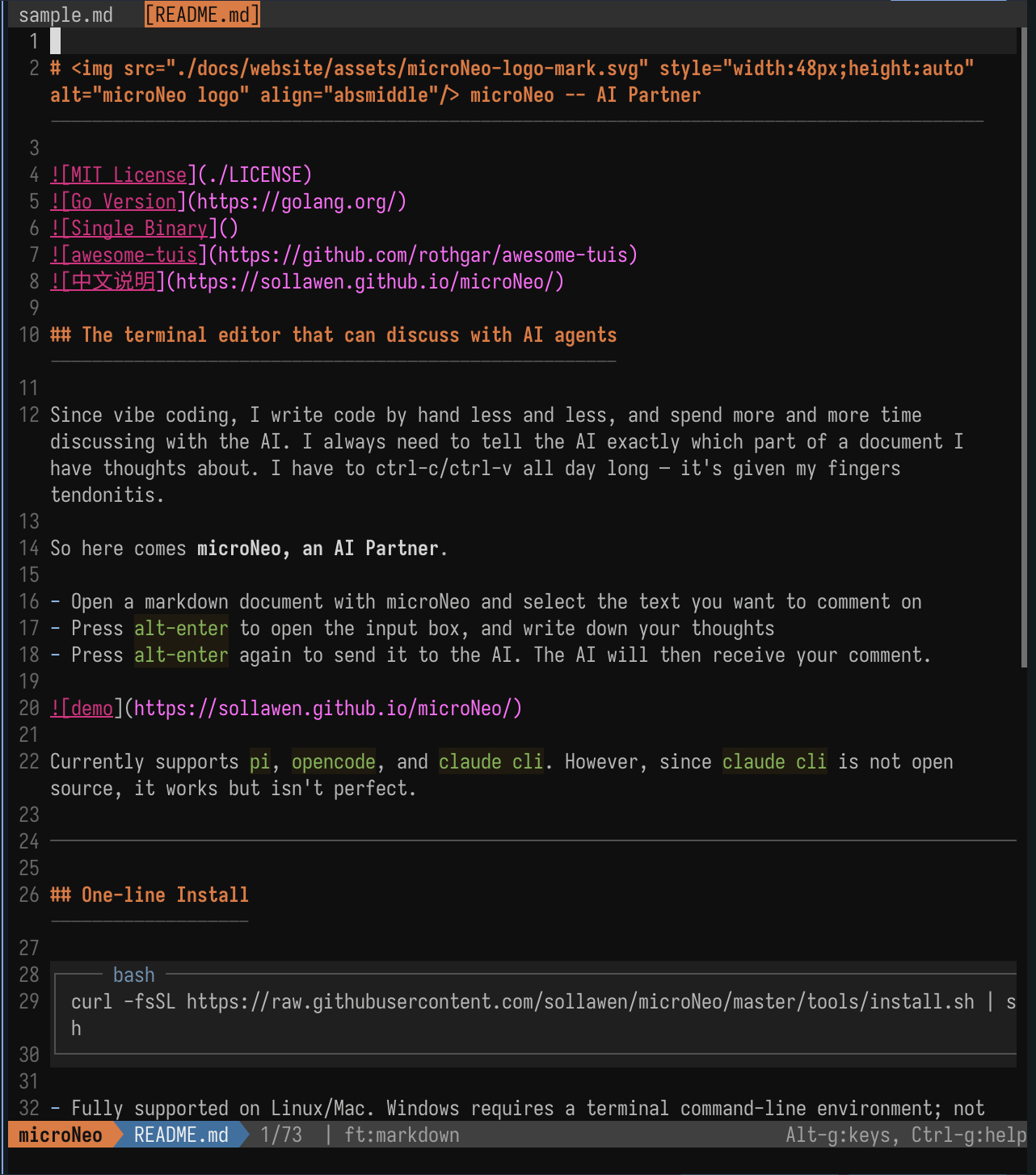
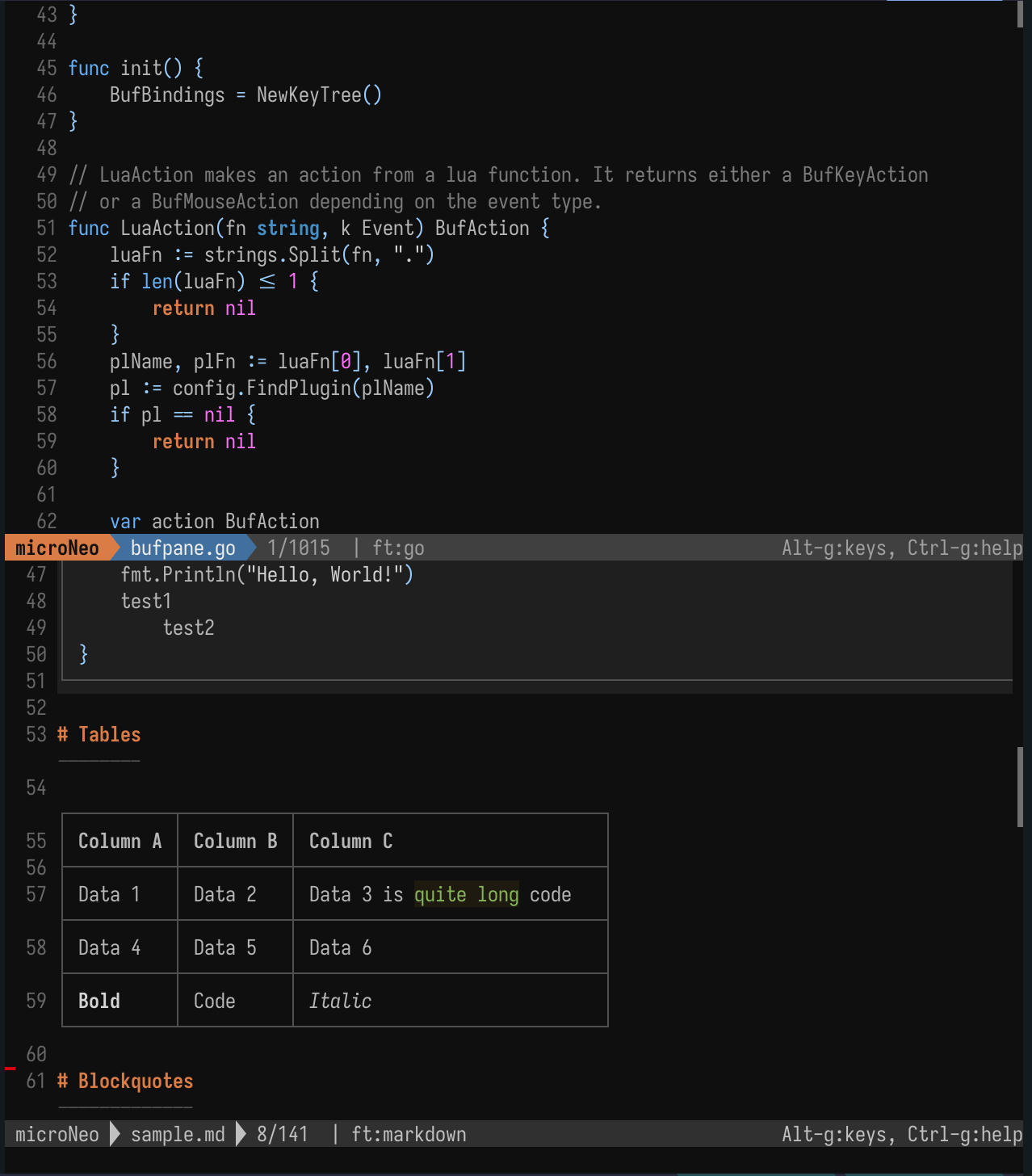
Keyboard shortcuts when working with multiple files
Alt--(Alt minus) — shrink the current file's paneAlt-=(Alt equals) — grow the current file's paneAlt-9— switch to the tab on the leftAlt-0— switch to the tab on the right
Other operations
- Tabs can be clicked with the mouse.
Ctrl-qopens the File Manager. PressCtrl-q(orq) again inside the File Manager to actually close the current file.